Your library
Your library is a folder.
Persona keeps your work as files in a folder on your Mac. This page says what that means, what depends on a service, and how to get something back.
What is in the folder.
Each brand is a folder. Each post is a folder inside it, with the caption, the brief, the platforms, and the media as ordinary files. Open it in Finder. Back it up however you like. The files are yours whatever happens to Persona, or to us. Online services have their own availability; the folder does not depend on them.
Work in your library. Choose its connections.
Planning, editing, and exporting happen on your Mac, offline if you like. Sync between your Mac and your iPhone uses your own iCloud. Signing in adds an account on our side: for the beta itself, for review links, and for what Persona sends you. Drafting with Persona, and working through Claude, send the content of that request to the service doing the work. The privacy page lists every connection and what it receives.
Privacy →Get something back.
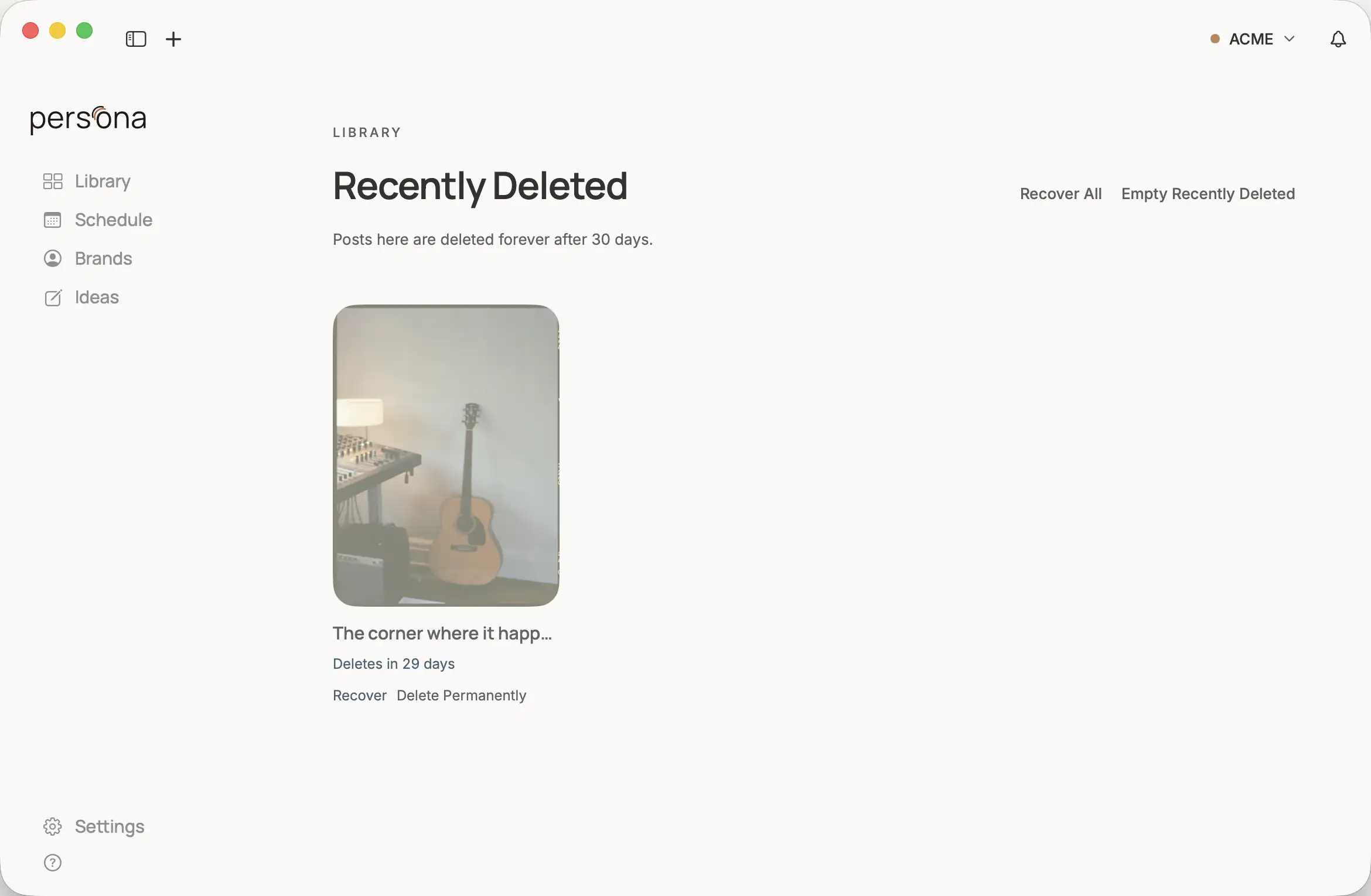
A deleted post goes to Recently Deleted first, where you can recover it. Deleting your account removes your account and the data on our servers; your library stays in its folder on your Mac. Your backup is yours to choose.
Connect Claude to your library.
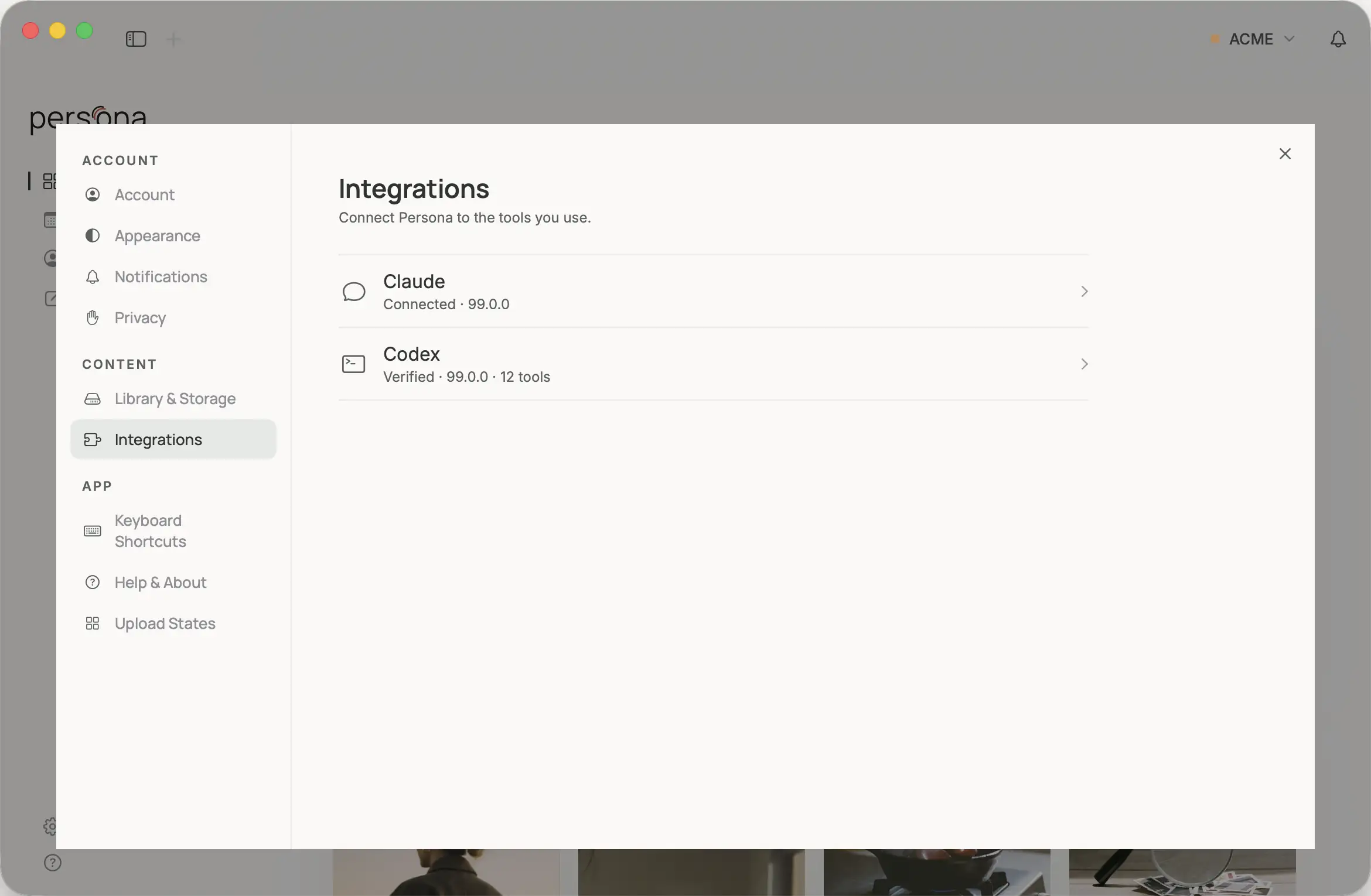
Persona can work as an extension for Claude. Add it from Settings, and Claude Desktop, Cowork, or Claude Code can read and write your library: list brands and posts, create or update a post, attach media, and read or update a brand's Creative Profile and themes. It works with the files in your folder. The content used for a request goes to Claude under Anthropic's policy. Remove the extension from Claude whenever you like.
Help from a person.
Email support@personahq.app. We usually reply within two business days.