How it works
How a post moves.
Persona is built around the post. It starts with a brand's voice, often as an idea, moves through four stages, and ends with the files and captions ready for each platform. This is the whole path, on the real screens.
Start with the brand.
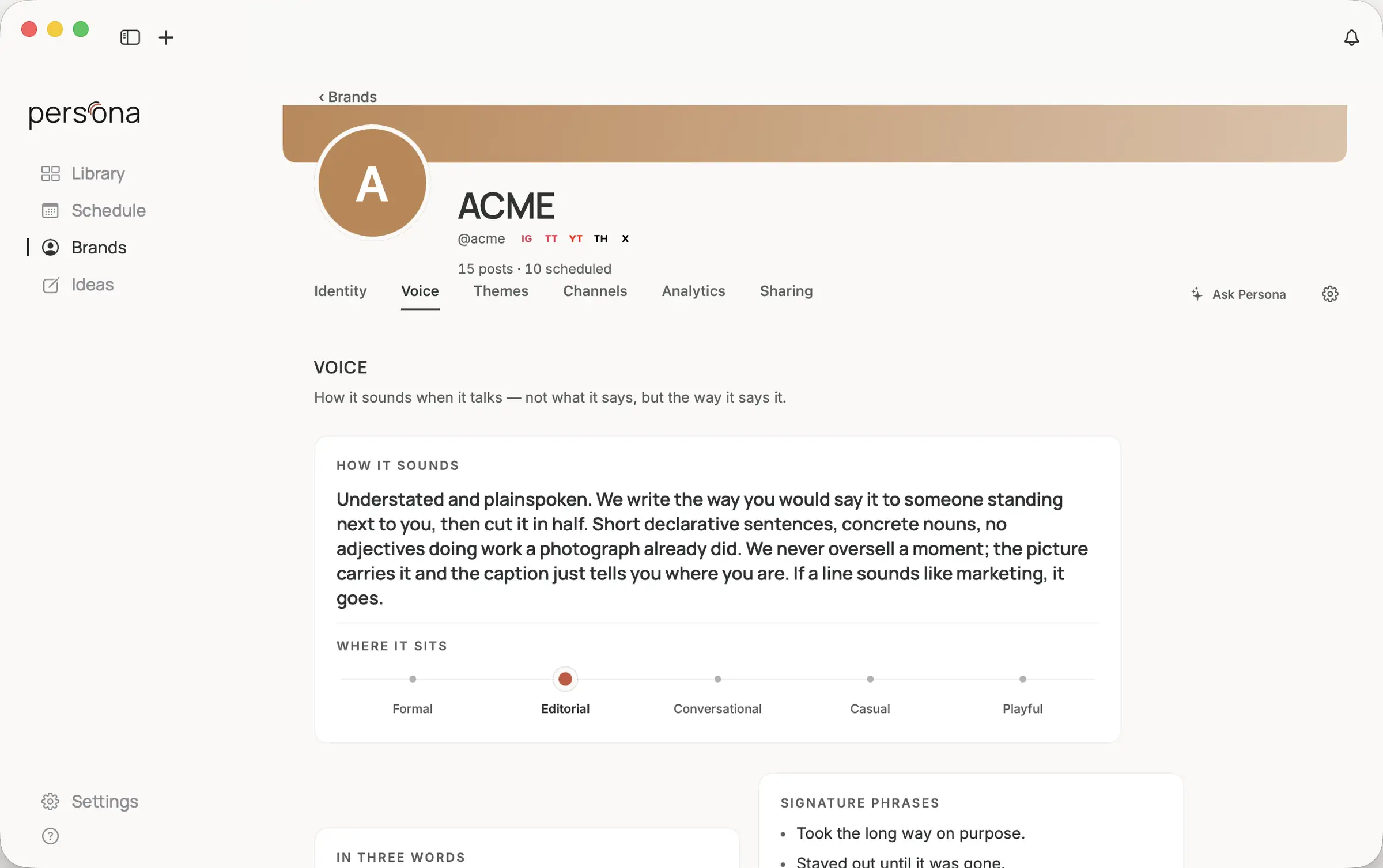
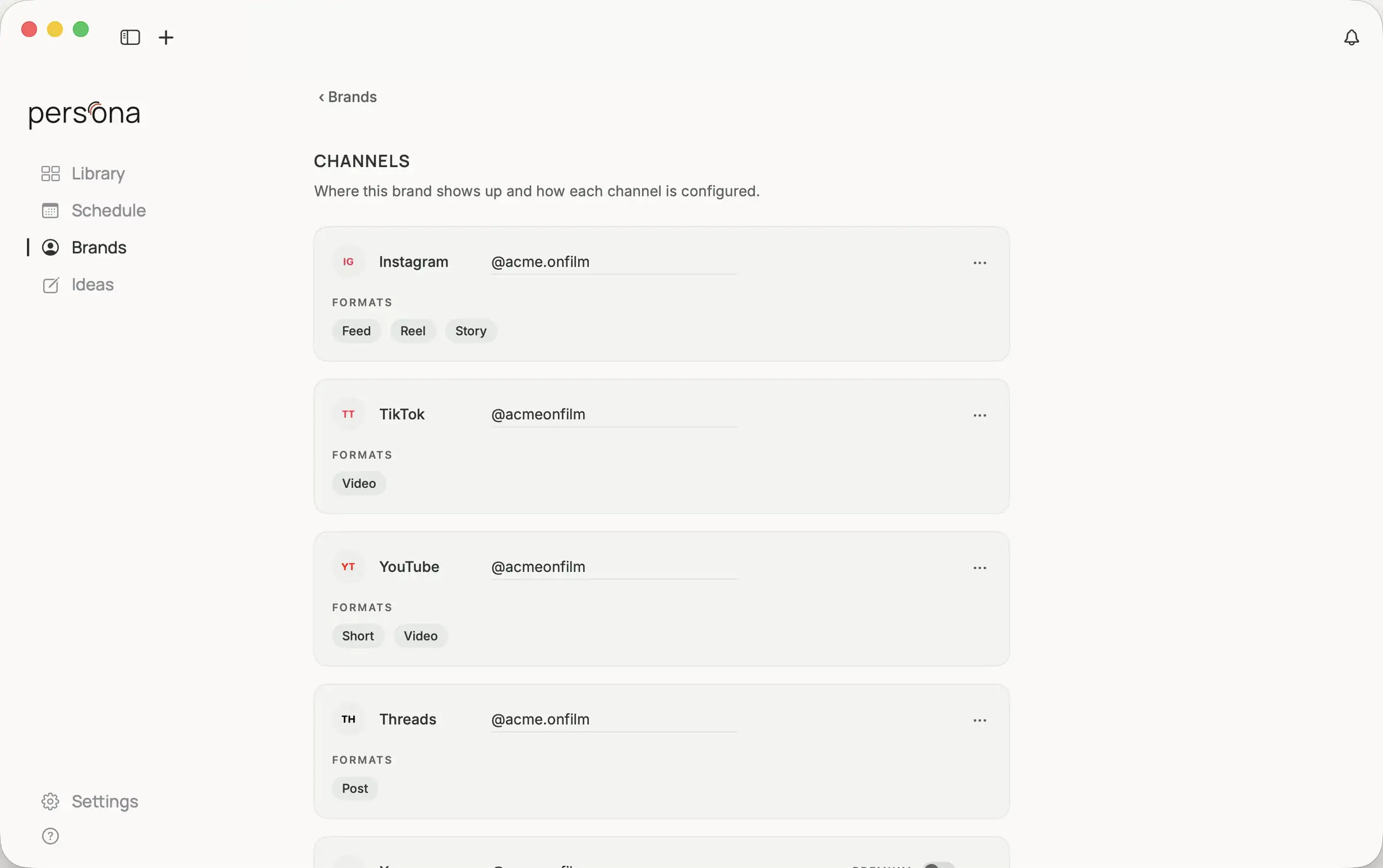
Each brand keeps its own Creative Profile: how it sounds, where it sits between formal and playful, the phrases it reaches for, the words it avoids, and the handle it posts under on every platform. Themes hold its recurring subjects. When Persona drafts a caption, this is where the voice comes from.
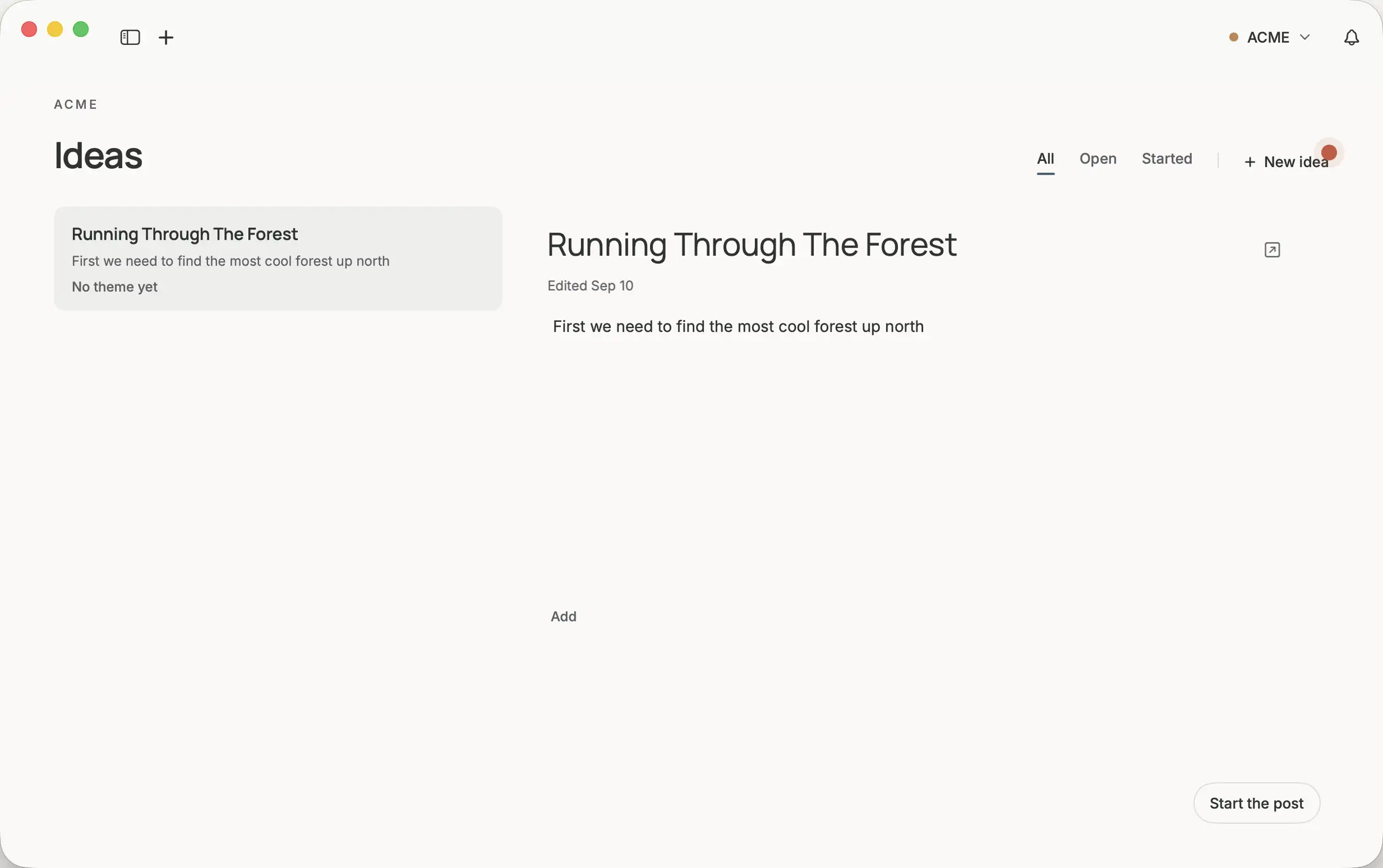
Keep the idea before it has a date.
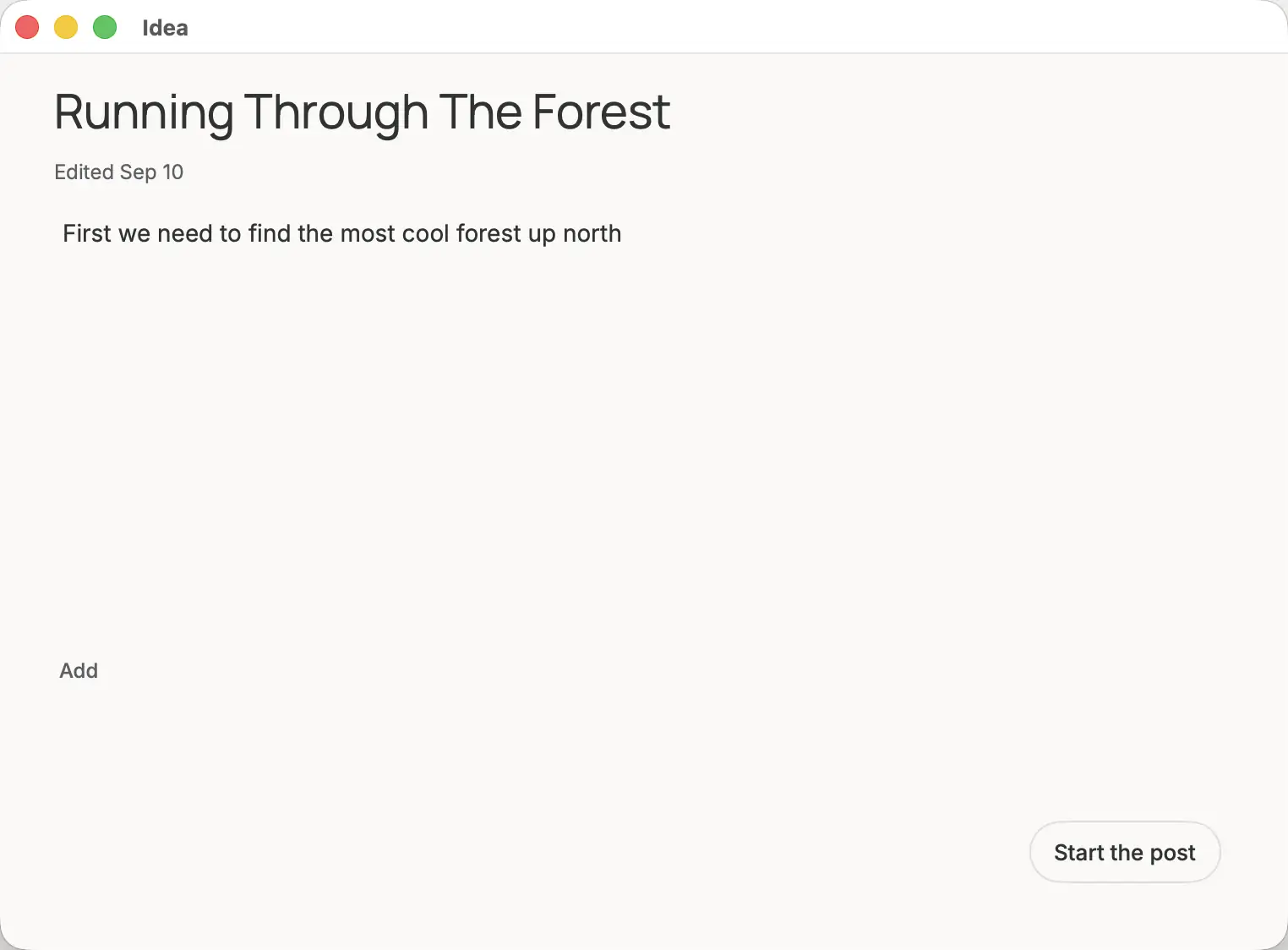
Ideas have their own board, per brand. Write one down in a line. When it is ready, start the post from it, and the post remembers where it came from.
Four stages, one post.
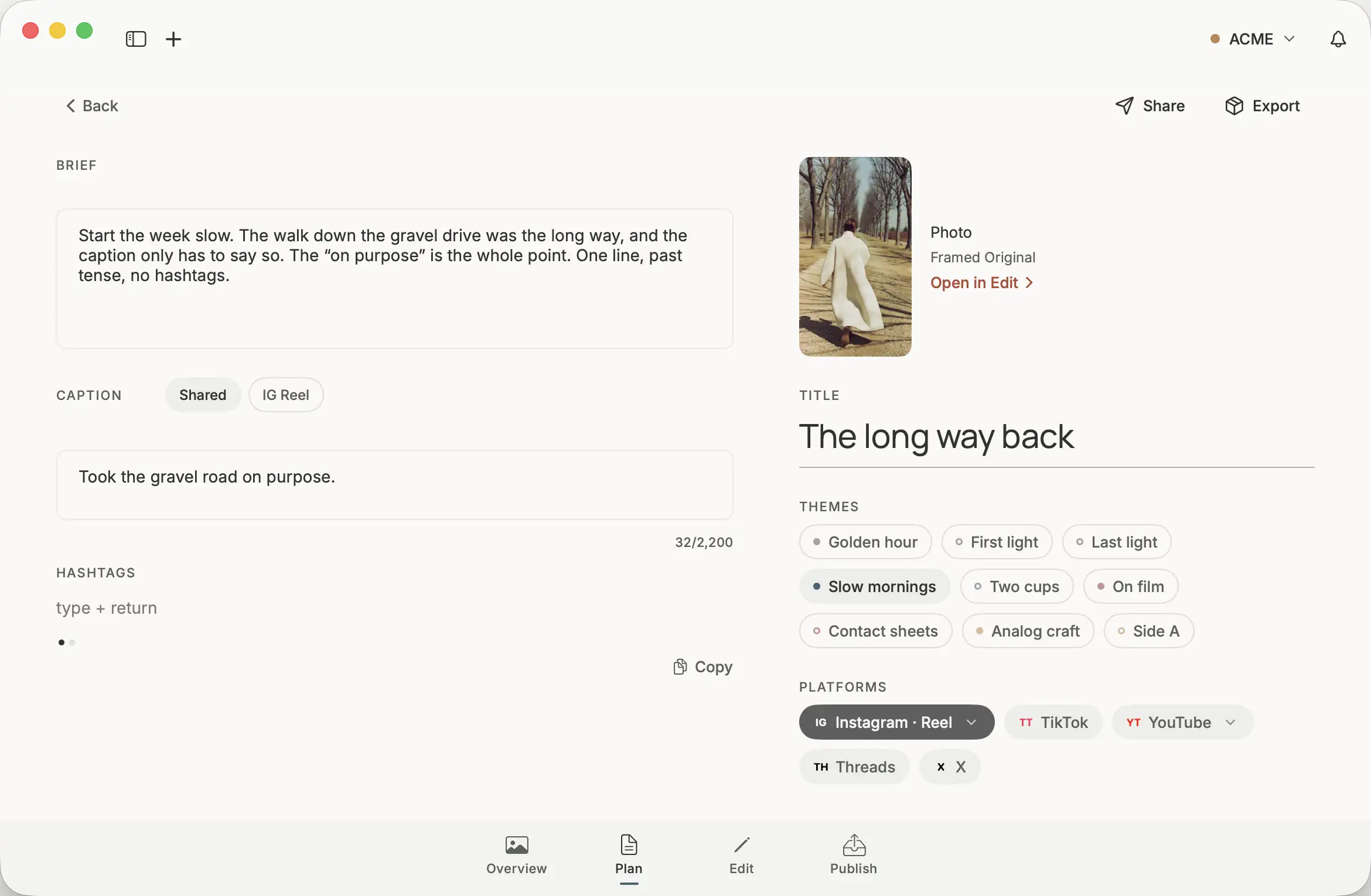
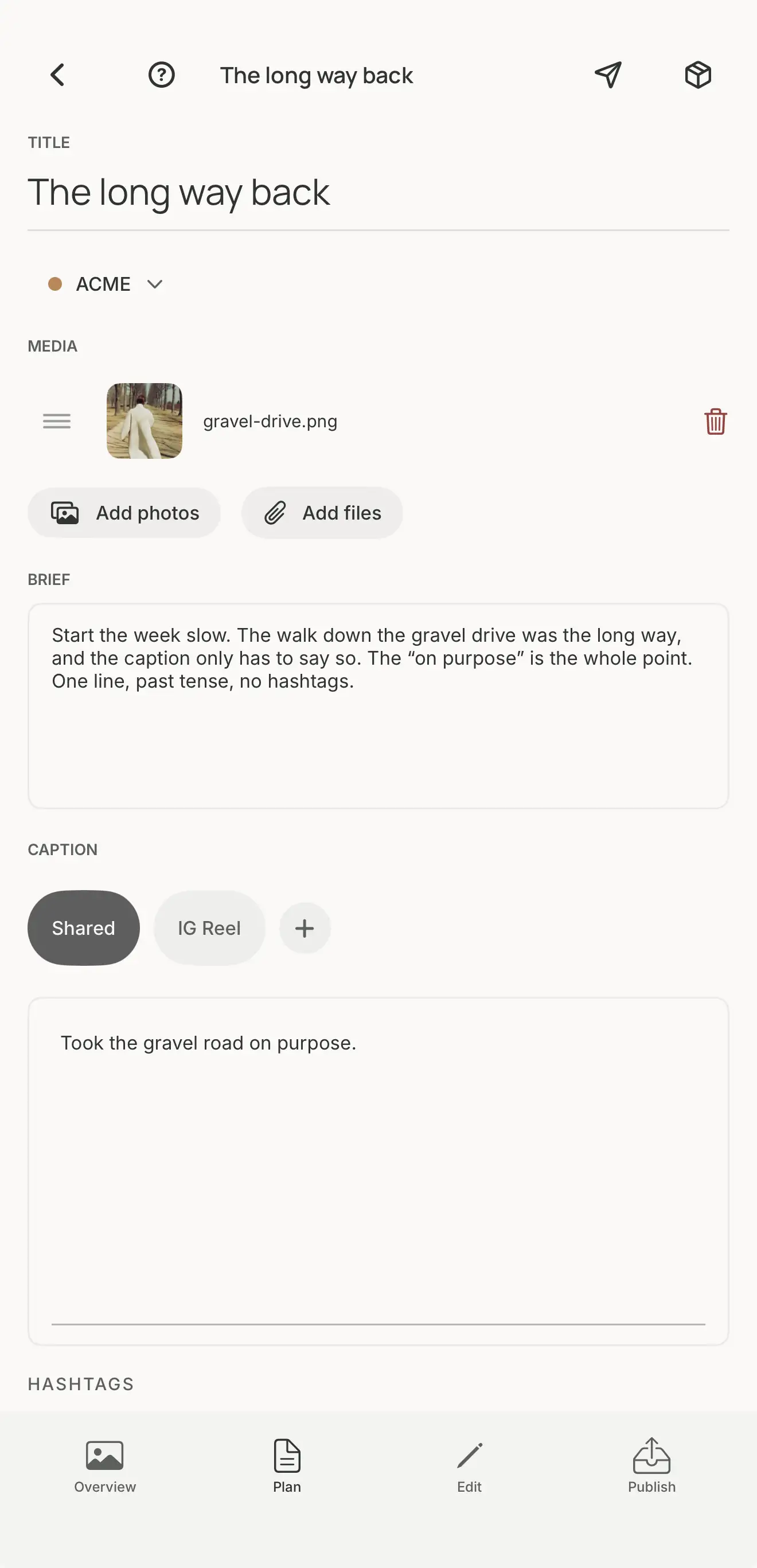
Open a post and it has four places to work, along the bottom: Overview, Plan, Edit, Publish. A stage is where you are working. The post's status, draft, scheduled, in review, or published, is where it is in its life. The two never lock: a published post still opens in Edit.
- Overview
- The whole post at a glance: what it says, where it's going, and when.
- Plan
- The brief, which is yours and never published; the caption, shared or per platform; hashtags, themes, platforms.
- Edit
- Crop, pad, split, and set type on the photo. The original file is never changed.
- Publish
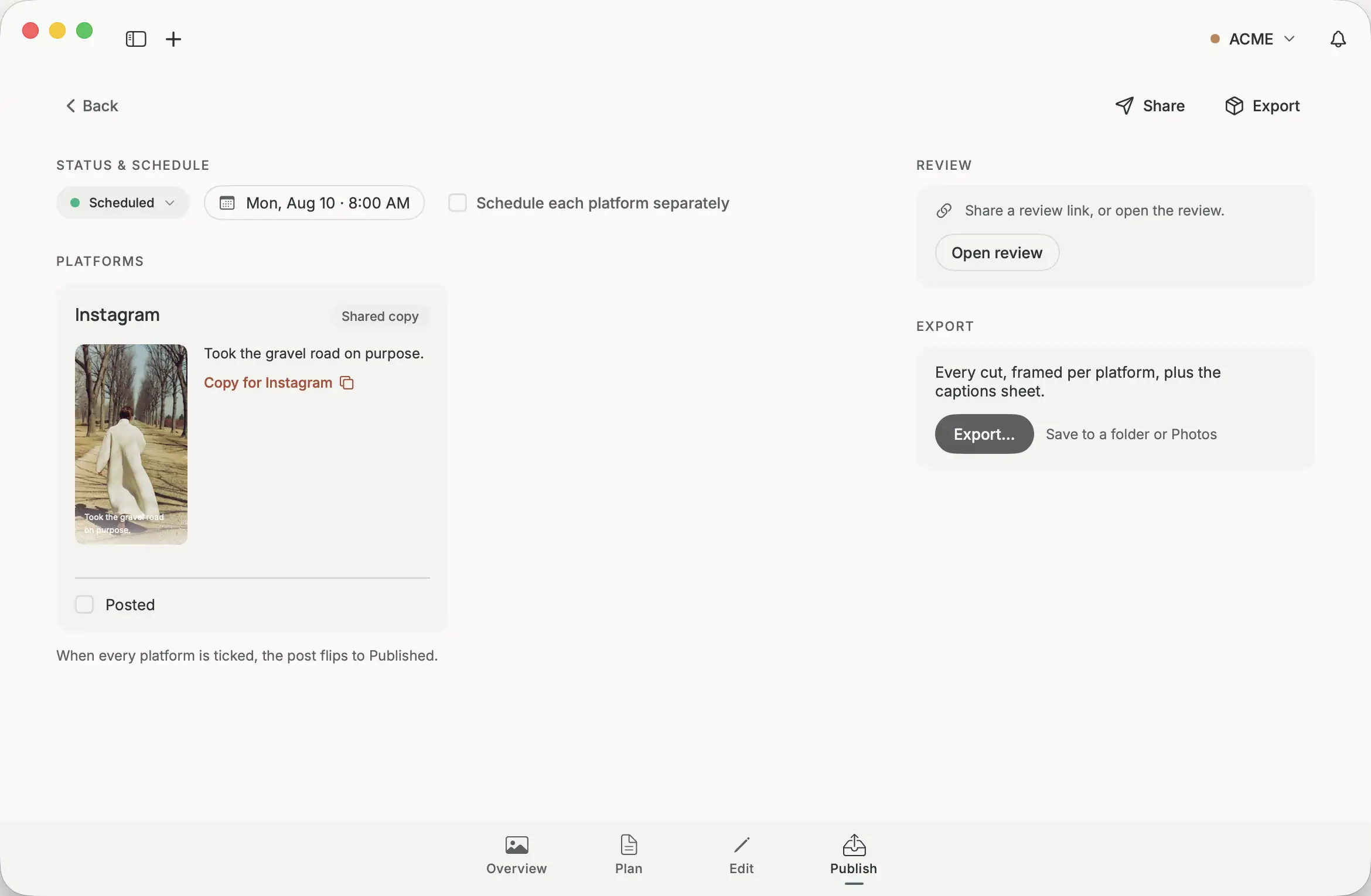
- Status and schedule, each platform's caption with Copy and a Posted checkbox, review, and Export.
Send it for review. Then post it yourself.
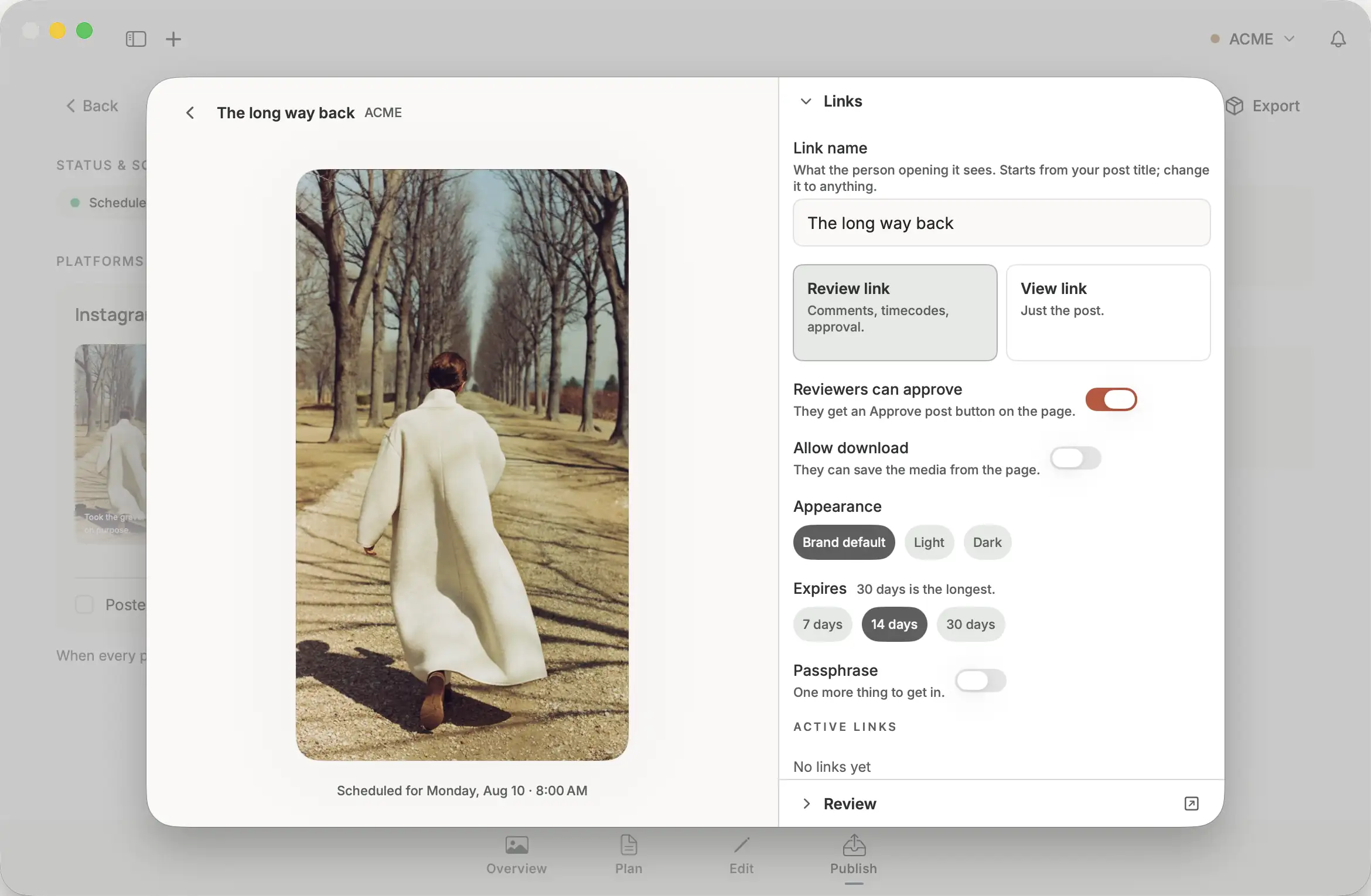
When someone else should see a post first, send a link. A review link takes comments, timecodes, and approval. A view link shows just the post. Set how long it lasts, up to 30 days, whether the media can be downloaded, and a passphrase if you want one.
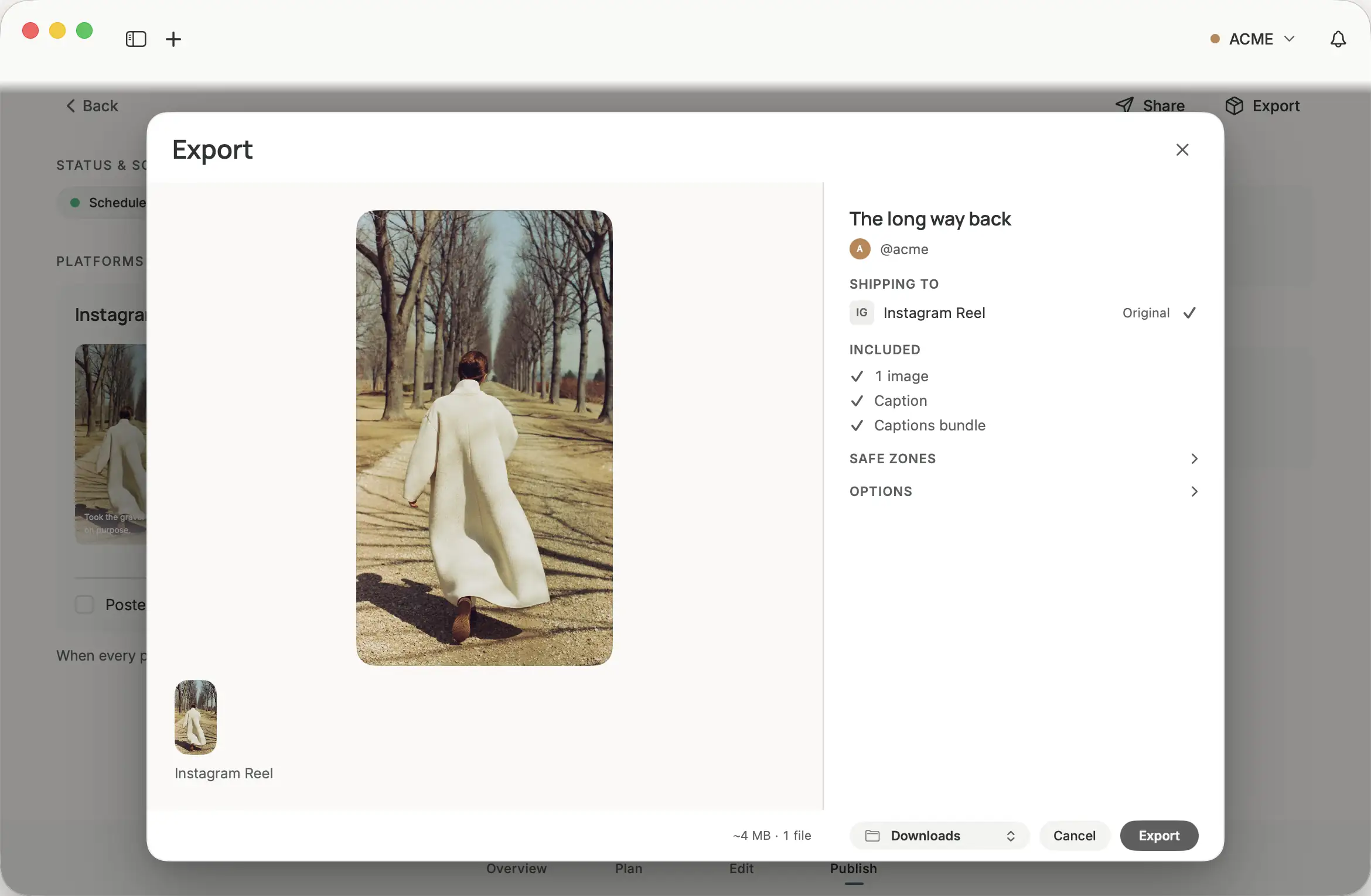
When it is time to post, Persona hands off. Export gives you every cut, framed per platform, plus the captions. Copy each caption, post it on the platform, tick Posted. When every platform is ticked, the post is marked Published. Persona never posts for you.
On your iPhone too.
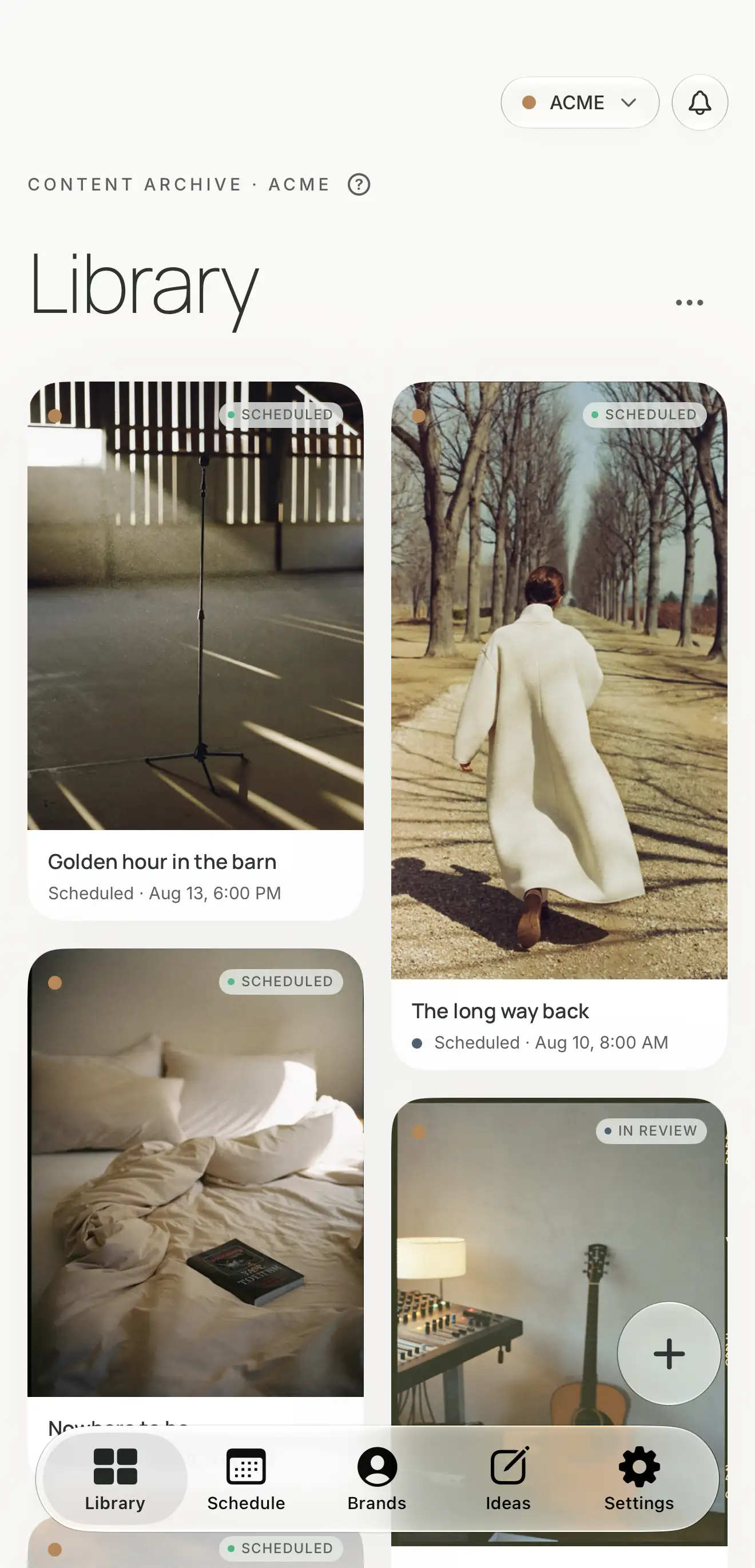
The companion app carries the Library, the Schedule, and Ideas, and the same four stages of every post. Write the caption on the train. Set type on the photo from the couch. It syncs with your Mac through your own iCloud.
Before you request an invite.
Persona runs on macOS 26.2 or later, on Apple silicon and Intel Macs, with a companion app for iPhone. It is in a small closed beta. You request an invite; when a seat opens, you get a code. Sign in with Apple or an email code at account.personahq.app, redeem the code, and download Persona for Mac from there. Invitations are personal. The beta is free unless we clearly say otherwise, and for now it is for people in the United States.